
Step 1
Enter your Participant ID
Enter the Participant ID from your registration confirmation email
Participant ID not found or not shortlisted as finalist. Please check and try again.
Finalist
Participant ID
Name
Category
Registered Song
Music Center
Step 2
Performance Details
Required
Song change noted
Please enter your new song details and upload updated sheet music. Your category must remain the same.
Required
Required
Click to upload sheet music (PDF only)
Max 10MB
Please upload your sheet music or lyrics
Click to upload backing track
MP3, WAV, AAC or M4A · Max 50MB
Please upload your backing track
Step 3
Your Best Photo
Upload a clear, social media-ready photo. This will be used in event materials and announcements.
Photo guide:
• Plain or simple background (white, grey, or solid colour preferred)
• Front-facing, natural lighting — avoid backlighting or harsh flash
• Face clearly visible, shoulders and above
• Smart casual or formal attire
• Front-facing, natural lighting — avoid backlighting or harsh flash
• Face clearly visible, shoulders and above
• Smart casual or formal attire
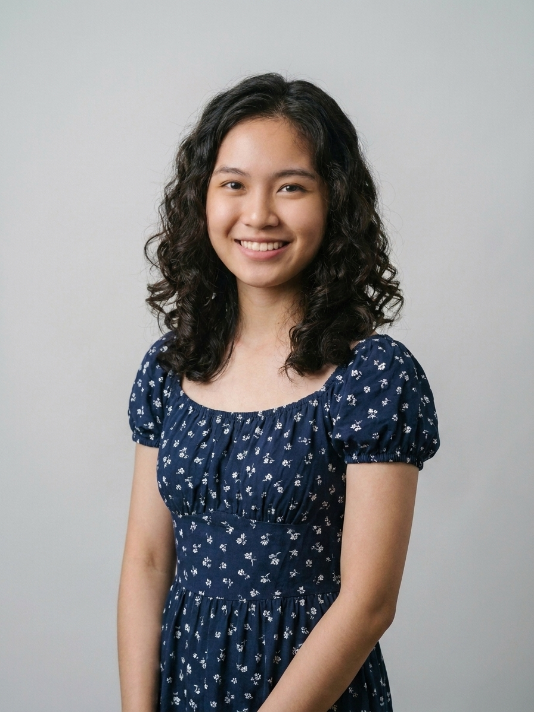
Good
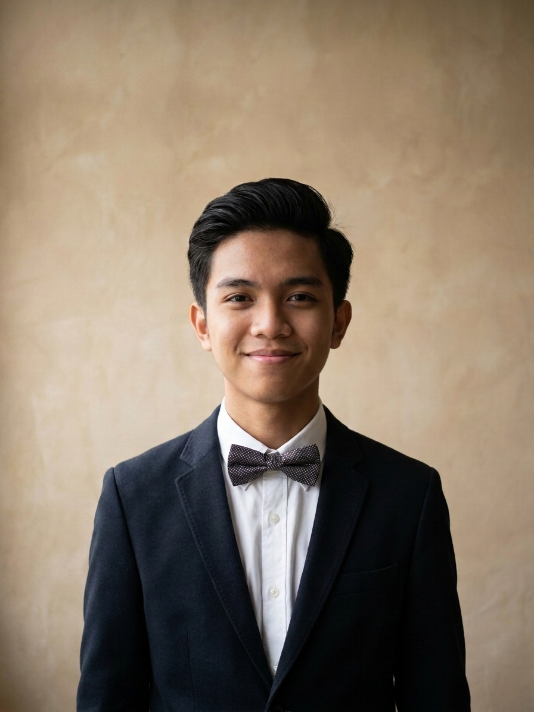
Good
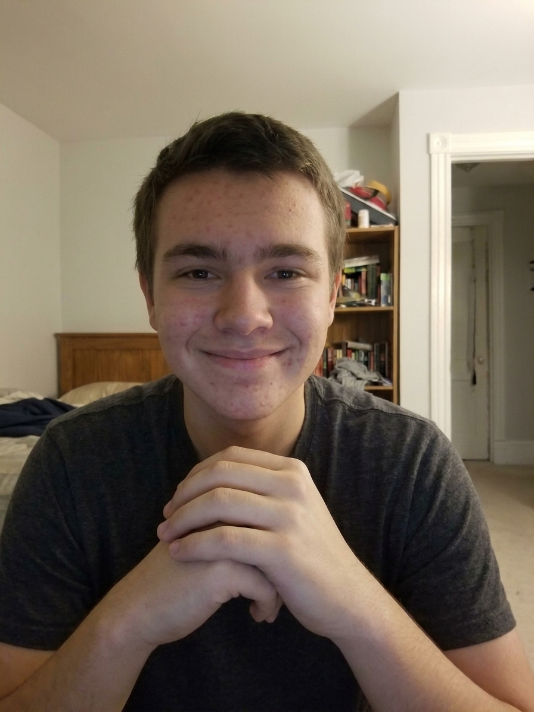
Avoid
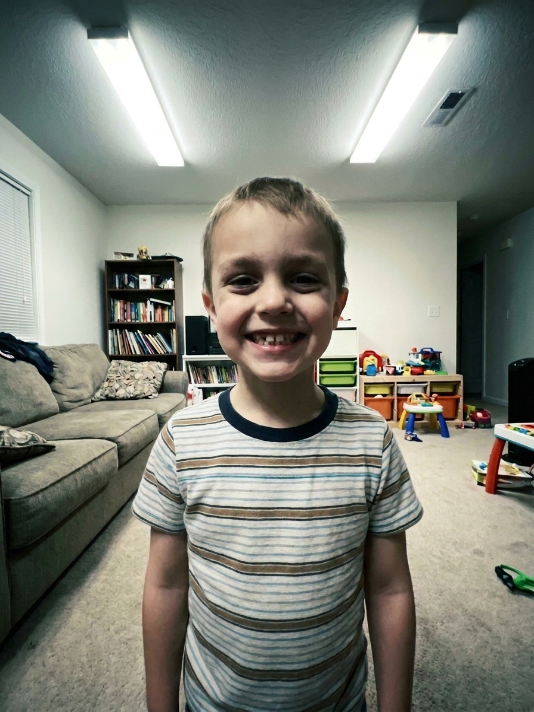
Avoid
Click to upload your photo
JPG or PNG · Max 5MB · Portrait orientation preferred
Please upload your photo
Step 4
Confirm Participation
Please confirm your attendance
Please confirm your details
Confirmation Received!
Your Participant ID
Your finalist confirmation has been submitted. A confirmation email has been sent to the contact on file. We look forward to seeing you perform on 5 December 2026.
What happens next?
You will receive your session time and performance slot closer to the event. Check your email regularly and contact us at info.muso.sabah@gmail.com if you have any questions.